Image guides
2 step-by-step guides · kept updated as tools change
Image AI went from party trick to daily driver fast. Canva quietly became an AI company, Midjourney learned to understand plain English, and DALL·E 3 got good enough that designers stopped laughing at it. But the buttons are scattered, the free tiers have rules, and every tutorial video assumes you already know where the magic panel lives. Our image guides start from zero: where to click, what to type, and why your first ten generations will look worse than your last ten. We test on free accounts first, because that is what most of you will actually use, and we note exactly when the free plan runs out of road. Every guide carries numbered click-by-click steps, three copy-ready prompts you can paste, and a straight verdict on whether the paid plan earns its price for the work you do.
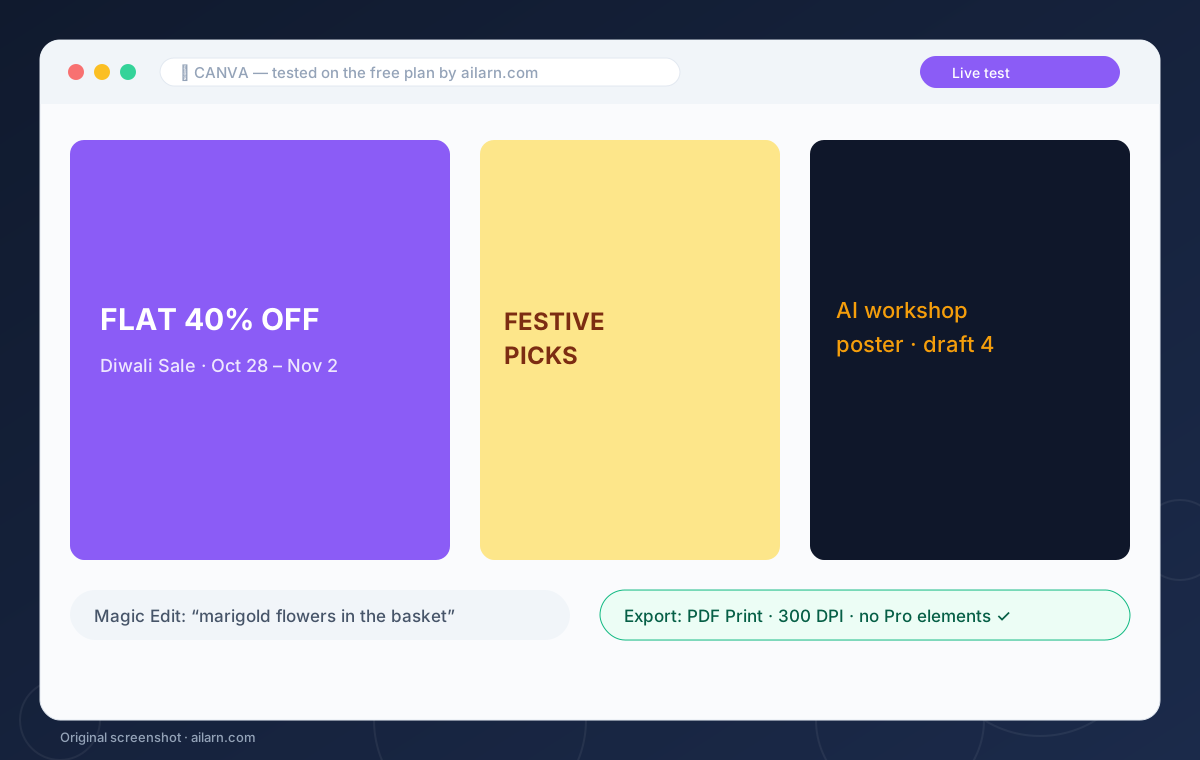 Guide
Canva AI Tutorial for Beginners: Magic Studio in One Sitting
Canva’s AI lives in Magic Studio: open Canva, create a design, and type a prompt into Magic Design to get full layouts, or use Magic Edit to change part of a photo. The free plan includes monthly Magic Write credits and basic Magic Edit, which is enough for posters, posts and thumbnails. Pro matters only when you need background removal at volume.
 Comparison
Midjourney vs DALL·E 3: The Comparison With an Actual Pick
Midjourney wins on style and polish; DALL·E 3 wins on obeying instructions and rendering readable text. For posters, thumbnails and anything with words in the image, pick OpenAI-style image generation — included in paid ChatGPT plans today, with a free route through Bing Image Creator. For hero art, brand visuals and anything meant to look expensive, Midjourney’s 10-dollar plan is the better spend.